Tag

Worksphere AI

Teams

The Hidden Cost of Tool Sprawl in Construction—and How CollabWorkx Connects People, Projects, and AI
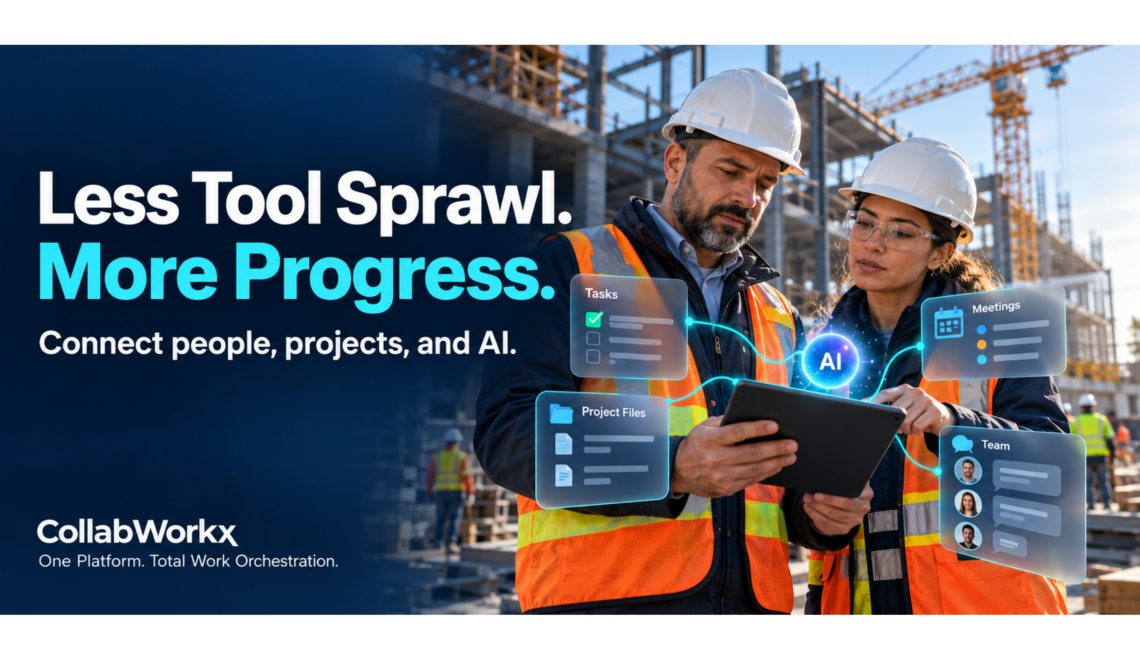
For general contractors, disconnected tools can create more than software expenses. They can slow coordination, scatter project information, and make it harder to keep work moving.Construction depends on coordination. Office teams, field crews, subcontractors, and clients need clear information about what is happening, who is responsible, and what comes next.

Yet the tools supporting that work are often disconnected. Conversations happen in one app, schedules live in another, documents sit in separate folders, and project updates arrive through email or text.

Each tool may serve a purpose. Together, they can create a fragmented workday.

CollabWorkx brings communication, projects, meetings, scheduling, files, and workflows into one secure workspace—with Worksphere AI helping people manage the work around them.

The Costs That Don’t Appear on a Software Invoice

Subscription fees are only part of the cost of tool sprawl. The less visible expense is the time people spend connecting information manually.

A project manager searches through messages for a decision. A superintendent calls the office to confirm a schedule change. A subcontractor receives a document without the conversation explaining it.

Repeated across projects, these small interruptions can contribute to delayed responses, duplicated effort, and avoidable confusion.

For general contractors, the question becomes: How much time does the team spend managing its tools instead of managing the work?

Connect the Office, the Field, and Project Partners

A unified workspace gives teams a shared place to communicate and coordinate.

With CollabWorkx, general contractors can organize project conversations in channels, assign and track tasks, share files, and bring participants together for meetings. External collaboration helps connect work with subcontractors and other project partners.

Consider a coordination meeting that results in a revised priority. The team needs to communicate the decision, update the next steps, and make supporting information available. Bringing those activities into one environment helps people follow through without repeatedly rebuilding the context.

Put AI to Work on Everyday Coordination

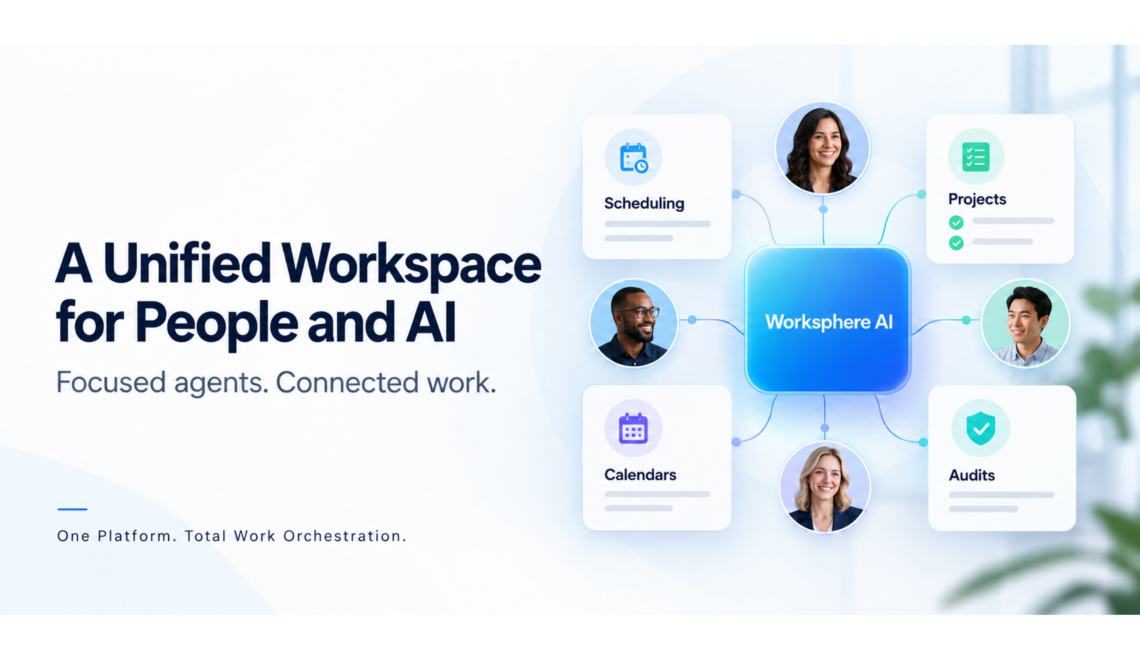
Worksphere AI extends that connected workspace with assistance focused on scheduling, projects, calendars, and audits.

For construction teams, these capabilities can support practical coordination needs:

  • Scheduling Agent: Help identify suitable times for project reviews and coordination meetings based on available calendar information.
  • Project Agent: Help organize priorities into clearer tasks and next steps.
  • Calendar Agent: Help users review commitments and make room for upcoming work.
  • Audit Agent: Help users understand recorded workspace activity and follow the history behind changes.

The value comes from helping people prepare and act with greater clarity. A project manager still sets priorities. A superintendent still brings field knowledge. The team still makes the decisions.

People lead. AI helps move the task forward.

Keep Information Connected to the Work

When messages, files, and tasks are scattered, understanding a decision can take longer than making it.

A connected workspace helps teams maintain the relationship between a conversation, the documents supporting it, and the actions that follow. That context matters when responsibilities change, new participants join, or someone needs to understand an earlier update.

CollabWorkx brings file sharing, document collaboration, version control, and workspace activity records into the broader collaboration environment. Teams can spend less effort piecing together information and more effort using it.

Make Privacy Part of Daily Collaboration

Construction projects involve information that requires thoughtful handling—from internal discussions to project documents and partner communications.

CollabWorkx places privacy and controlled access at the center of its workspace approach. Teams can organize collaboration around the people involved while managing access to shared information.

As AI becomes part of daily work, that same focus matters. Assistance should support the task at hand within an environment where people understand what they are sharing and remain in control of their decisions.

Evaluate the Full Cost of Coordination

For a general contractor reviewing its software stack, the most useful starting point is the team’s actual workflow.

Where do employees enter the same information twice? How often do they search across applications for an update? Which meetings require several rounds of messages to arrange? Where do handoffs lose context?

Those questions reveal costs that a subscription comparison alone can miss.

Specialized construction applications may still serve important needs. CollabWorkx provides a shared environment for the communication, coordination, and follow-through surrounding that work.

One Platform. Total Work Orchestration.

General contractors need their people, information, and next steps to stay connected.

CollabWorkx brings essential workplace tools together and adds practical AI assistance through Worksphere. The goal is straightforward: help teams reduce coordination overhead, maintain clearer context, and keep work moving.

Explore a unified workspace for people and AI at CollabWorkx.com.
Leave a comment
Businesses

People Lead. AI Helps Move Work Forward: CollabWorkx’s Approach to Workplace Collaboration

Focused agents. Connected tools. Work that moves forward.

Bring your team, tools, and priorities together in one secure workspace—with AI assistance that supports the way your business works.

Every business has work that needs to move forward. A customer needs an answer. A project needs a clear next step. A meeting needs to happen before a decision can be made.

Yet getting those things done often involves searching through messages, switching applications, checking calendars, and following up with colleagues. The task itself may be straightforward. Coordinating it takes time.

CollabWorkx brings communication, meetings, scheduling, projects, files, and workflows into one shared environment. With Worksphere AI, that connected workspace also gives your team practical assistance with everyday coordination.

The principle behind it is simple: People lead. AI helps move the task forward.

Your Team Sets the Direction

Your people understand your customers, business priorities, and the relationships behind each decision. AI assistance should support that knowledge.

With CollabWorkx, people remain at the center of the process. They set goals, provide context, review suggestions, and decide what happens next.

A manager can ask for help organizing project priorities. A team member can explore suitable meeting times. A business owner can review workspace activity to better understand what has changed.

Worksphere helps people prepare their next move while keeping their judgment central.

Spend Less Time Coordinating Everyday Work

Consider the steps involved in arranging a customer project review. Someone needs to find a meeting time, check outstanding tasks, gather relevant documents, and make sure participants understand the priorities.

When those activities live in separate applications, preparation becomes a project of its own.

CollabWorkx brings the supporting tools together, helping your team maintain context as work moves from a conversation to a meeting, a task, or a shared document. That connection can make it easier to see what needs attention and who should be involved.

Worksphere AI builds on that foundation with four areas of assistance:

  • Scheduling Agent: Find suitable meeting times based on available calendar information and preferences.
  • Project Agent: Turn priorities into clearer tasks and next steps.
  • Calendar Agent: Review commitments and organize time around what matters.
  • Audit Agent: Make sense of recorded workspace activity and the history behind changes.

Each agent focuses on a practical part of the workday, helping people approach their responsibilities with greater clarity.

Keep Customer Work Connected

Customers experience the results of your internal coordination. A clear handoff can help a colleague respond with confidence. An accessible project update can make a meeting more productive. A documented next step can reduce uncertainty about who is responsible.

CollabWorkx helps teams organize the conversations, tasks, meetings, and files supporting that work. External collaboration also provides a way to involve customers and partners where appropriate.

For example, after a customer planning meeting, your team can share supporting materials, assign follow-up tasks, and continue the discussion in the same workspace. Keeping those activities connected helps participants understand both the decision and the work that follows.

Bring Greater Clarity to Managers and Teams

As a business grows, keeping track of work becomes more demanding. More projects bring more conversations, responsibilities, and competing deadlines.

A unified workspace gives teams a shared place to organize those moving parts. Managers can review project activity, colleagues can find relevant information, and new participants can get the context they need.

Worksphere AI adds assistance with organizing priorities and interpreting activity. Its usefulness depends on the information available and the direction people provide—making clear goals and well-maintained workspace information valuable parts of the process.

Make Privacy Part of the Working Environment

Business collaboration involves information that deserves careful handling, from internal plans to customer documents and partner discussions.

CollabWorkx places privacy and controlled access at the center of its approach. Teams can manage how information is shared while bringing people together around the work they need to complete.

That focus extends to the company’s vision for AI assistance: support connected to the task at hand, within a workspace where people retain direction over their work.

Start With a Task That Slows Your Team Down

The best starting point for AI assistance is often a familiar source of friction.

It might be the back-and-forth required to schedule a weekly review. It might be turning a list of priorities into an actionable plan. Or it might be understanding the activity behind a project update.

Choose a task your team handles regularly. Establish what a useful result looks like. Then use assistance to help prepare that result, with a person reviewing it before moving forward.

This gives your business a practical way to evaluate value: clearer next steps, easier coordination, and less effort spent gathering context.

One Platform. Total Work Orchestration.

CollabWorkx brings essential workplace tools and focused AI assistance into one connected environment.

Your team brings the expertise. Your business sets the priorities. Worksphere helps with the coordination and preparation that keep those priorities moving.

People lead. AI helps move work forward.

Explore Worksphere AI and discover a unified workspace for your people, projects, and everyday business.

Leave a comment